User Options

Allows you to customize settings that are specific to you. These settings are stored on your computer, not in the project.
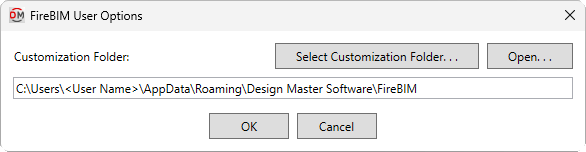
Opens the FireBIM User Options dialog box:
FireBIM User Options Dialog Box
-
Customization Folder: The folder where customization files, such as riser diagram graphic families, are stored.
-
Press this button to select a new folder for the customization path.
-
Press this button to open Windows Explorer to the folder listed in the Customization Folder field.