Update Part of Project
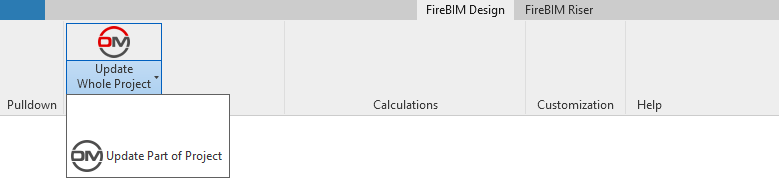
Updates all of the FireBIM calculated values, shared parameters, and riser diagram graphics for a specified panel and all circuits and devices downstream of it.
Opens the Update Part of Project dialog box:
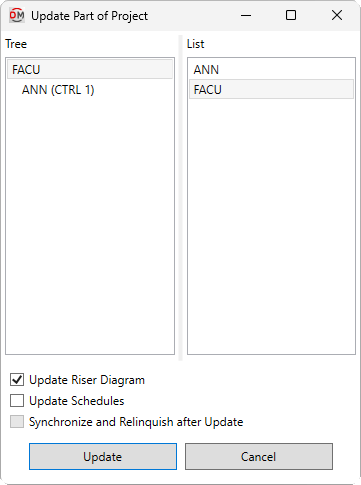
Update Part of Project Dialog Box
-
Tree ☰ All of the panels in your project. They are organized based upon the connections in the model.
-
☐ Update Schedules Battery and voltage drop calculation schedules for the selected panel and downstream panels will be updated.
-
☐ Update Riser Diagram Labels and graphics for the selected panel and downstream panels, circuits, and devices will be updated on the riser diagram.
-
☐ Synchronize and Relinquish after Update After the calculation finishes, the Revit Synchronize Now and Relinquish All Mine commands will be run. This option is only available on Revit projects that have worksharing enabled.
Select a starting panel in the tree and specify the update settings, then press the button. The selected information will be updated for the selected panel and everything circuited downstream of it. Panels, circuits, and devices that are not connected will not be updated.