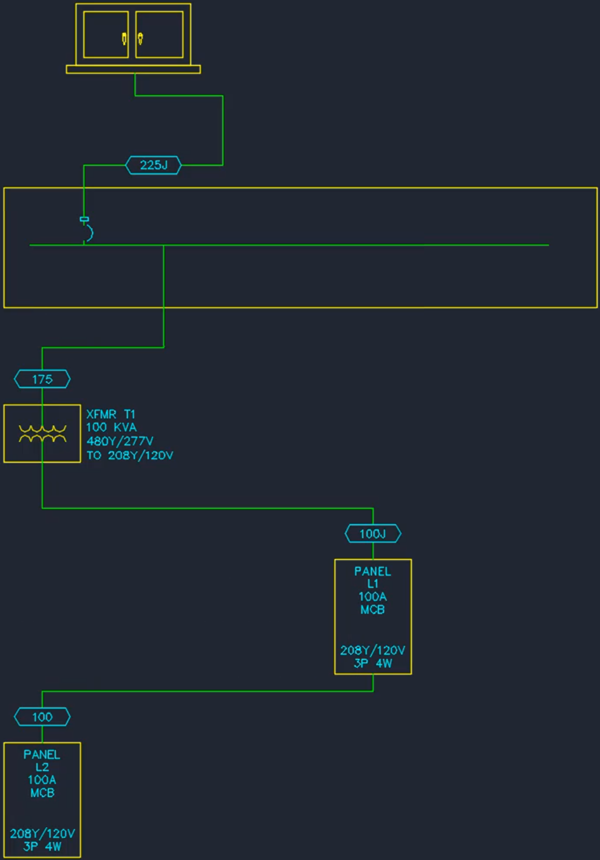
Moving Distribution Equipment & Feeders
This tutorial teaches you how to move distribution equipment and feeders in your one-line diagram.
Open drawing E-4.1.
Move Distribution Equipment
-
Run the AutoCAD MOVE command.
-
Select panel L1 and move it to a new location.
The feeders will follow the panel when it is moved.
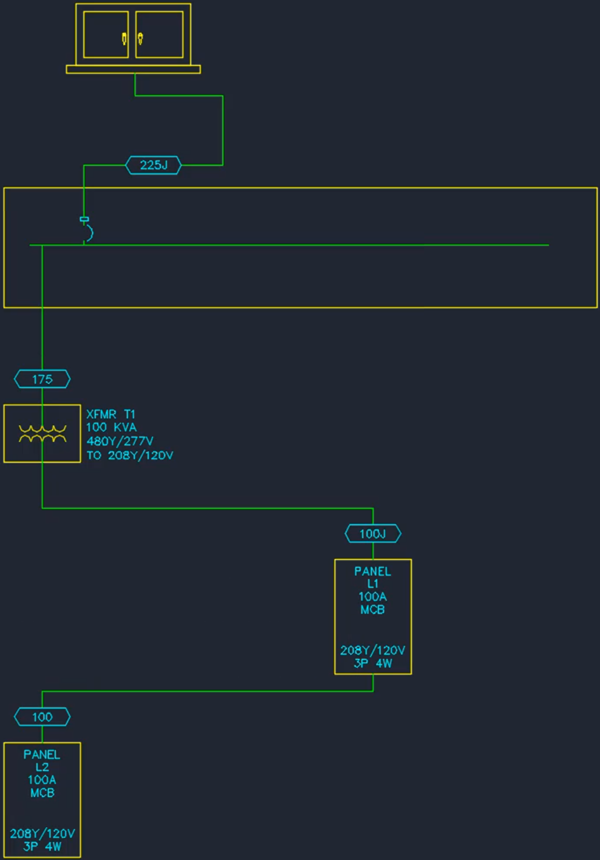
Move Feeder
-
Select the feeder between panel H1 and transformer T1.
-
Use the grips to move the portion of the feeder connected to panel H1.