Calculating Illuminance Levels
This tutorial teaches you how to calculate the illuminance levels in an area.
Open drawing E-3.1.
Insert Photometric Boundary
-
Run the
Insert General Photometric Calculation Area command. The Insert Photometric Calculation Area Boundary dialog box will open.
Ribbon:DM Electrical→Point-by-Point Photometrics→  Insert General Photometric Calculation Area
Pulldown Menu:DM Electrical→Point-by-Point Photometrics→Insert General Photometric Calculation Area -
Press the button to accept the default values and close the dialog box.
-
Follow the prompts at the command line to insert an area on the drawing, then press ENTER. The photometric calculation will be restricted to the area that is drawn.
-
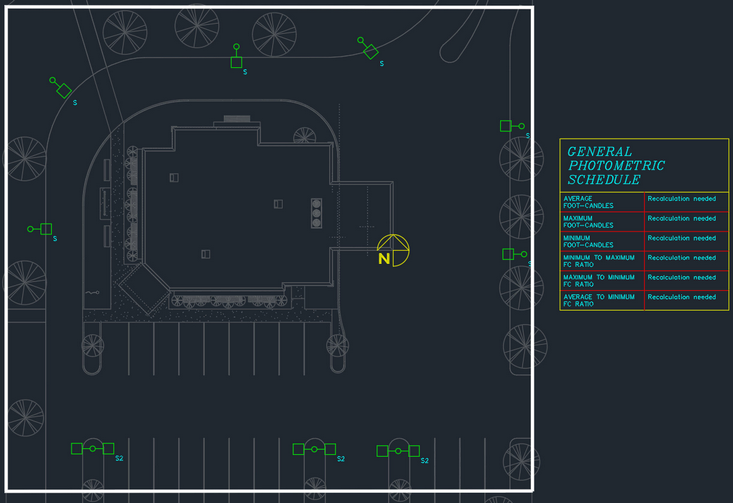
Follow the prompt to insert the schedule next to the area.
Calculate Illuminance Levels
-
Run the
Calculate General Photometrics command. The Calculate Photometrics dialog box will open.
Ribbon:DM Electrical→Point-by-Point Photometrics→  Calculate General Photometrics
Pulldown Menu:DM Electrical→Point-by-Point Photometrics→Calculate General Photometrics -
Press the button to accept the default values.
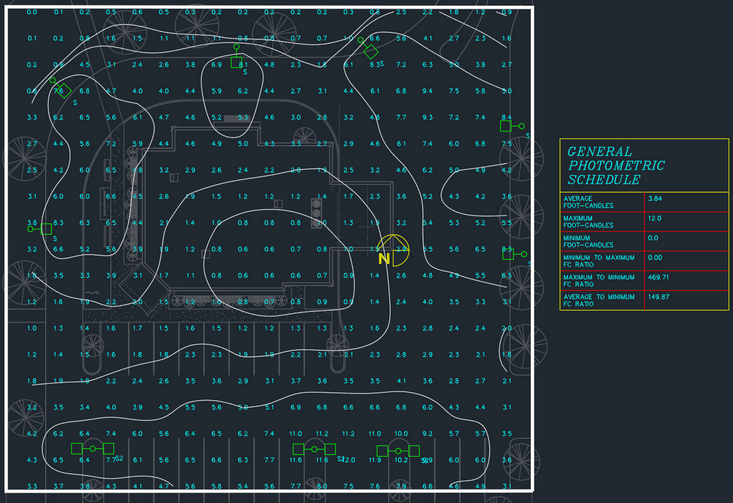
The illuminance levels will be calculated and displayed on the drawing. The schedule listing the uniformity ratios will be updated based upon the calculated values.