Query Room
To view and edit a specific room's definition, go to
Ribbon:  Query Room
Pulldown Menu:
You will be prompted to identify the room on the drawing that is to be queried.
Specify point inside room to query:
The Room Electrical Design Criteria dialog box will open.
Room Electrical Design Criteria Dialog Box
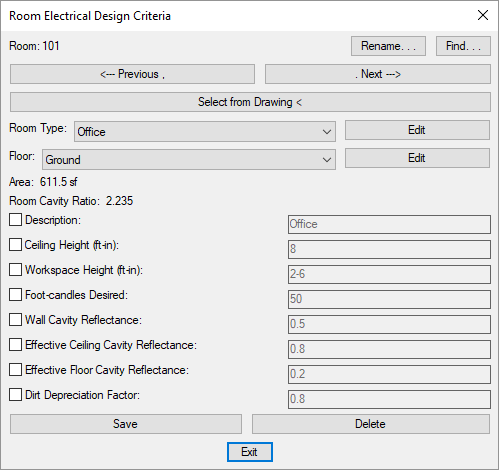
Changes can be made to the room in the same way as when using the Edit Room command. Visit the Edit Rooms section for more information.