Querying Cable Trays
To modify a cable tray that is inserted on the drawing, go to
Ribbon:
Pulldown Menu:
Select a cable tray centerline on the drawing. The information in the database regarding the selected cable tray will be displayed in the Edit Cable Tray dialog box.
Edit Cable Tray Dialog Box
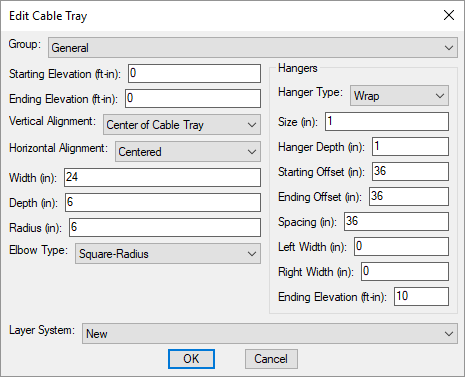
Changes can be made to the cable tray in the same way as when it was inserted. Visit the Insert Cable Tray section for more information.