Low Voltage Panels
To create or modify a low voltage panel, go to
Ribbon:  Low Voltage Panels
Pulldown Menu:
Low Voltage Panel Dialog Box
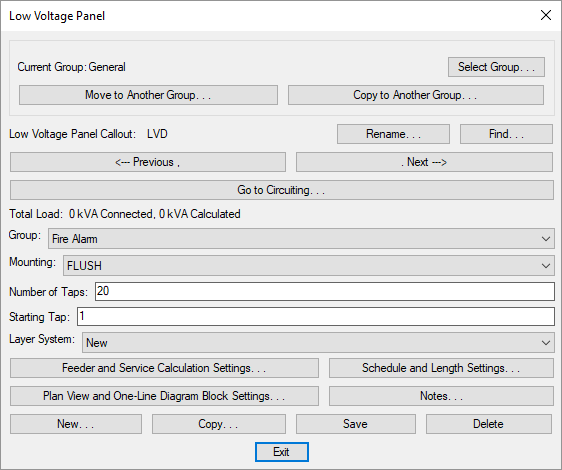
Visit the Common Schedule Dialog Box Features section for more information about how this dialog box works. This section describes the , , , , , , , and buttons.
- Group: ▾ The type of low voltage devices to be connected to this panel. Visit the Low Voltage Devices section for more information.
Visit the Distribution Equipment Dialog Box Settings section for more information about the other values and buttons in this dialog box.