Copy Drawing and Remove Links to Database
The
This command is often used when a client requests a drawing, such as an architect who needs the light fixture layout for their reflected ceiling plan.
To copy a drawing and remove all of the links to the database, go to
Ribbon:  →Copy Drawing and Remove Links to Database
Pulldown Menu:
Save Drawing as Dialog Box
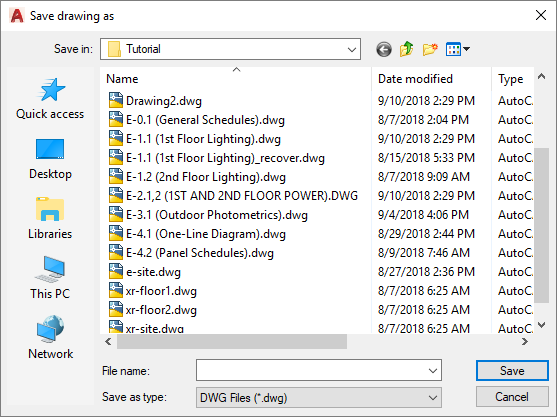
Select a location for the copy, enter a file name, and press the button. A copy of the current drawing will be made using the new name. All of the Design Master Electrical links to the project database will be removed.
The project database will not be modified during this command.