Export One Area to DWG File
The
To export a single alignment point area to a DWG file, go to
Ribbon:  Export One HVAC Area to DWG File
Pulldown Menu:
You will be prompted to identify the alignment point area to be exported.
Select point inside area to export:
The Select Filename to Export 3D Blocks to dialog box will open.
Select Filename to Export 3D Blocks to Dialog Box
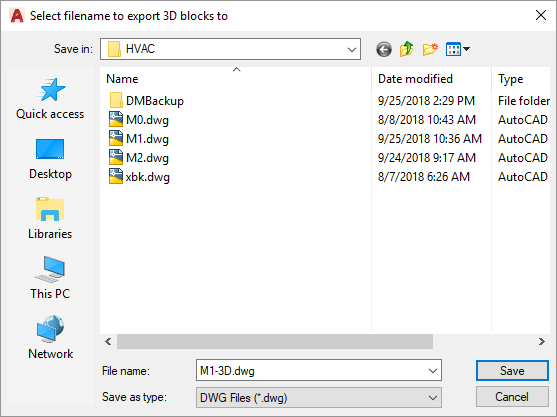
Enter a name and location for the DWG file, then press the button. The selected alignment point area will be saved to the DWG file.
3D circle approximation: Sets the number of sides on polygons used to approximate circles in the 3D model.
Export flex duct: Sets whether flex ducts are exported.
Export diffusers: Sets which diffusers are exported.