Recreate Missing Customization
To recreate customization that is missing in the project or standards database, go to
Ribbon:
Pulldown Menu:

Press the button.The Select Standards or Project Database dialog box will open.
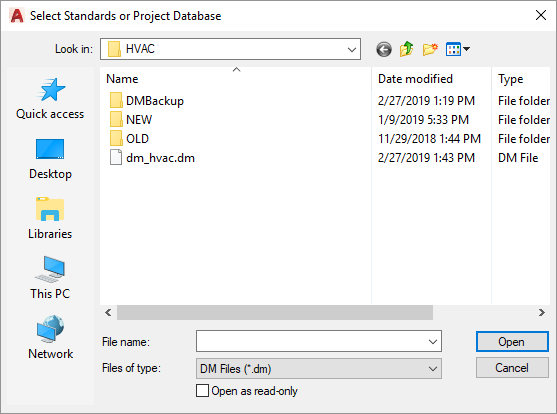
Select the standards or project database and press the button. Any missing customization records will be added to the database. It will not change any existing customization values.
The Select Standards or Project Database dialog box will open the current project folder by default. To update your standards database, you must browse to your customization folder. Visit the HVAC Customization Folder Location article in the knowledge base for more information about locating your customization folder.