Edit Multiple Ducts
To edit multiple ducts, go to
Ribbon:  Edit Multiple Ducts
Pulldown Menu:
You will be prompted to select the ducts to be edited.
Select ducts to edit:
Duct Settings Dialog Box
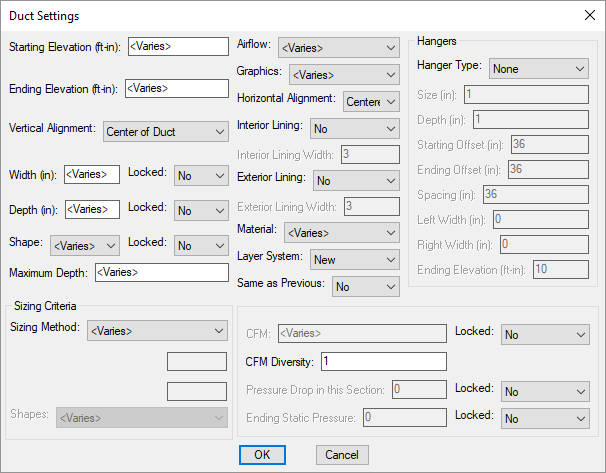
Changes can be made to the ducts in the same way as when they were inserted or queried. Visit the Query Duct section for more information.