Print Blocks
The
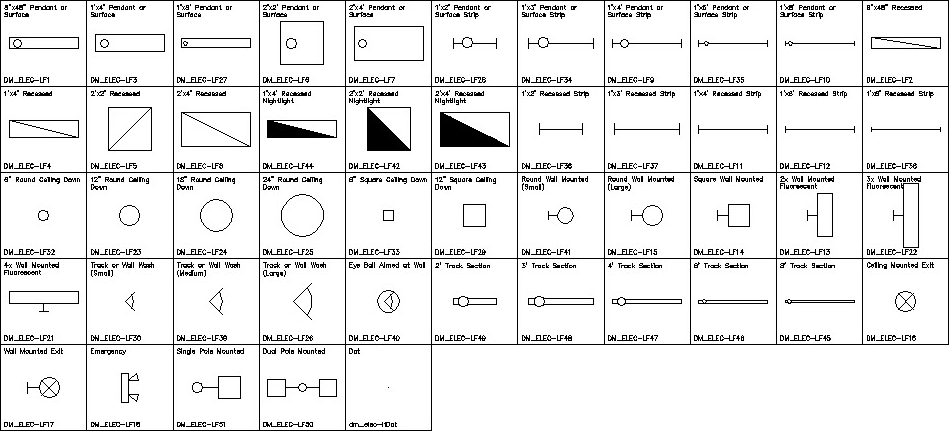
To insert a table of all available blocks on your drawing, go to
Ribbon:
Pulldown Menu:
Design Master Photometrics Dialog Box

-
Press this button to print light fixture blocks from the master database.
-
Press this button to print light fixture blocks from the project database.
-
Press this button to exit the command.
After you select which database to print light fixture blocks from, you will be prompted to select an insertion point for the table.
Insertion point:
A table of blocks will be inserted on the drawing.
The appearance of this table cannot be customized. It is intended for internal review purposes and not to be published in your final plans.