Edit Pipe Branch
The
To edit all of the pipes in a selected branch, go to
Ribbon:  Edit Pipe Branch
Pulldown Menu:
You will be prompted to select a single pipe.
Select pipe to edit:
Edit Multiple Pipes Dialog Box
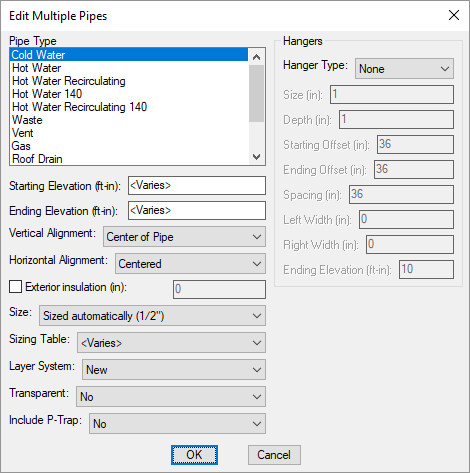
Changes can be made to the pipes in the same way as when they were inserted. Visitthe Insert Pipe section for more information.
The modified values will be applied to the selected pipe and all of the next pipes. Visitthe Previous and Next Pipes section for more information about identifying next pipes.