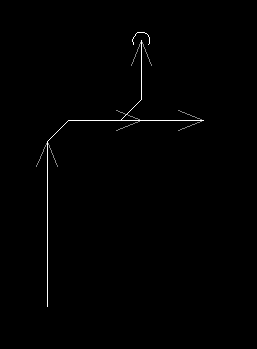
There is an option in Design Master Plumbing to automatically insert 45 degree fittings at elbows and tees. This setting is turned on in the default waste and vent pipe types that are included with the software. You can turn it on in the “Pipe Graphics” command for new pipe types that you create.
We want to highlight this feature because when doing tech support, we often see people drafting these fittings manually. It ends up being a lot of extra work to draw the fittings manually rather than have them inserted automatically.
This first screenshot is an example of what we see. The extra pipes are highlighted in yellow. Those are the ones that do not need to be drawn.
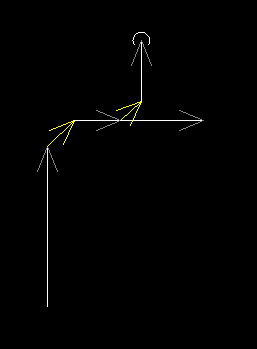
Instead, you want your pipes to look like this second screenshot. We removed the yellow pipes and connected the other pipes at right angles. Design Master Plumbing inserted the 45 degree fittings automatically.