
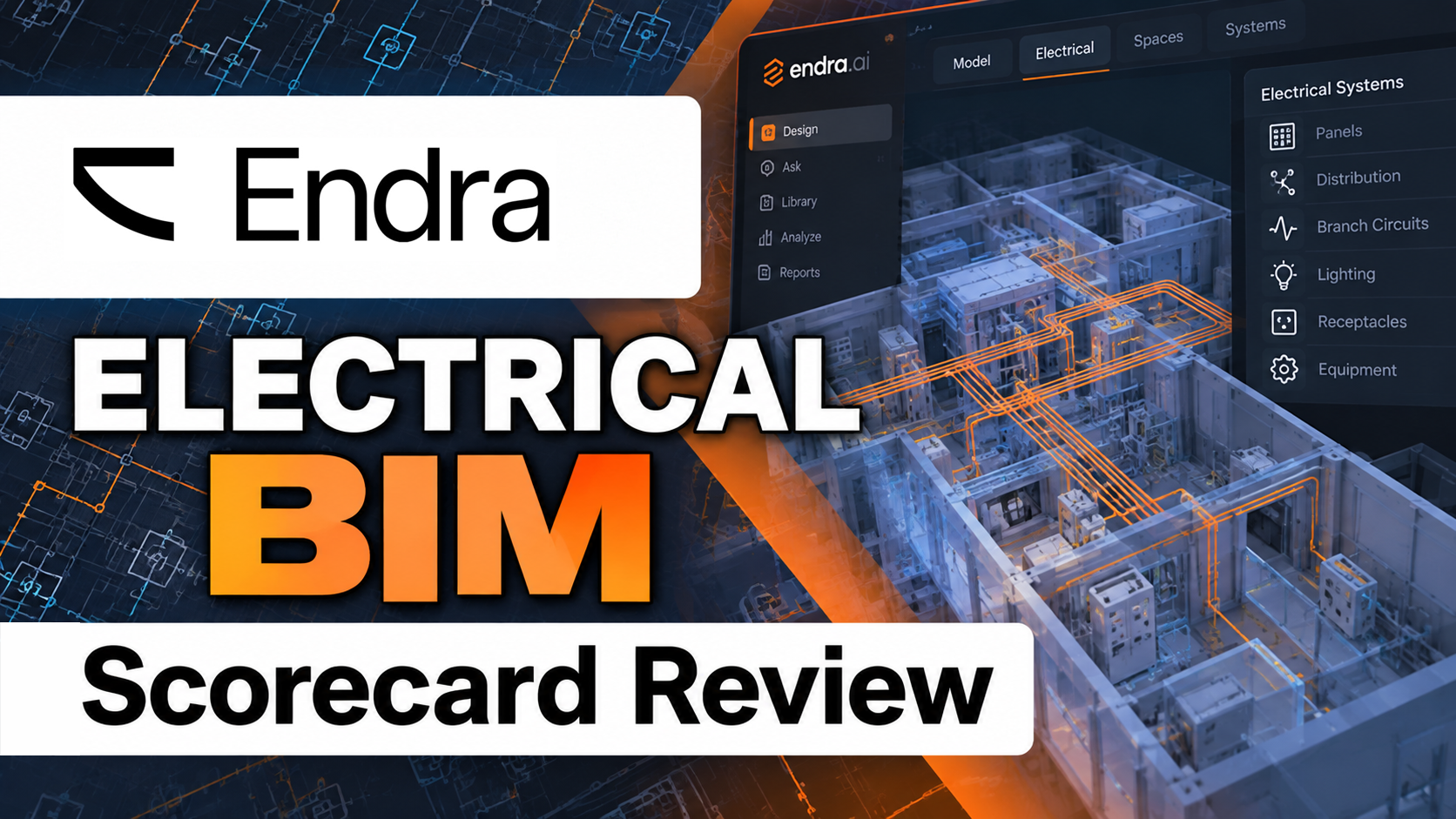
Endra Power Studio is a new entrant in electrical building design software. Rather than adding automation to an established design platform, Endra is building a new, AI-powered MEP environment intended to generate models, calculations, and construction documents.
That vision raises a practical question for electrical engineers: How much of the electrical design process can Endra demonstrably handle today?
To answer that question, we are bringing back the Electrical Engineering BIM Scorecard. It was created in 2024 as a first-pass screening tool for evaluating a product based on the claims made in its public marketing materials, not hands-on testing. Its ten intentionally unweighted questions progress from basic relevance to increasingly specific electrical engineering capabilities, helping distinguish general-purpose design tools from products that address real electrical workflows. The total score is not a percentage measure of engineering capability or product quality. It is simply a heuristic for answering: Based on what the company publicly says its software can do, is this product worth investigating further?
What Is Endra Power Studio?
Endra describes its product as an AI-powered MEP platform that can generate models and documents at the click of a button. It is aimed at mechanical, electrical, plumbing, and fire protection designers, with the goal of bringing modeling, engineering calculations, documentation, and manufacturer data into one environment.
This is not an AI assistant added to Revit. Endra is its own cloud-based design engine. Users bring building information into Endra through formats including IFC, DXF, DWG, and PDF. Endra then performs design work in its platform and can export results to formats that include DXF, PDF, RVT, and IFC. Its Revit add-in maps Endra objects to a firm’s Revit families and imports the generated design into an open Revit model.
That distinction matters. Endra may integrate with Revit, but the engineering process is centered in Endra rather than performed directly in the Revit project. In a founder interview, CEO Niklas Lindgren described the company’s approach as bundling traditionally disconnected MEP tools into one platform and using agents to create designs. He also emphasized that the output is based on physics and simulation, with engineers remaining in control of the process.
Endra’s current public electrical message is concise: wire circuits, size cables, and export schedules automatically. Its broader platform claims include 2D and 3D model generation, automated documentation, collaboration, and Revit integration. These are meaningful claims, but the Electrical BIM Scorecard asks narrower questions about specific power-design deliverables and calculations.
Scoring Endra Power Studio
1. Does engineering exist? Yes.
Engineering is central to Endra’s positioning. The company presents the platform as purpose-built for MEP engineers, and its leadership consistently discusses automating engineering work rather than merely drafting or visualizing buildings.
2. Does MEP exist? Yes.
Endra explicitly addresses mechanical, electrical, plumbing, fire protection, and related building systems. The platform is designed around MEP workflows and coordination.
3. Does electrical engineering exist? Yes.
Electrical systems are a named product area. Endra promotes automated circuit wiring, cable sizing, schedule exports, containment modeling, and lighting design. Electrical is not an incidental use of a general-purpose BIM modeler. It is one of the disciplines the platform is being built to serve.
4. Can you insert electrical devices? Yes.
Endra generates 2D and 3D system models and transfers modeled objects into Revit. Its published Revit workflow instructs users to map Endra object types to Revit families before importing the design. That is sufficient evidence that electrical components can be placed as part of a building model, even though the primary placement workflow occurs in Endra before the objects are brought into Revit.
5. Can you create a panel schedule? Yes
Endra states that Power Studio’s document engine can generate panelboard schedules. Because the schedules are generated from the electrical design, Endra receives this point.
6. Can you perform a voltage drop calculation? Yes
Endra states that Power Studio’s simulation engine sizes cables and calculates voltage drop as part of the electrical design process. This directly satisfies the voltage drop calculation requirement, so Endra receives this point.
7. Can you do panel load calculations? Not clearly documented.
The reviewed materials refer broadly to engineering calculations and automated design, but they do not document panel load calculations. There is no clear public explanation of connected load, demand load, phase balancing, feeder totals, or code-based load calculation methods for electrical panels.
8. Can you do a fault calculation? Yes
Endra states in its Power Studio demonstration that the platform can run short-circuit calculations. Short-circuit analysis is the fault-current calculation this scorecard is looking for, so Endra receives this point.
9. Can you do a single-line diagram? Yes
Endra states that Power Studio’s document engine can generate single-line diagrams. The announcement places single-line diagrams alongside the Revit model, panelboard schedules, shop drawings, and bill of materials as documentation generated from the electrical design.
10. Can you do multi-family dwelling load calculations? Not clearly documented.
We found no public information showing multi-family dwelling load calculations or the application of the relevant NEC demand factors and calculation methods.
Endra Power Studio BIM Score: 8/10
Based on publicly documented capabilities, Endra Power Studio scores 8 out of 10 on the Electrical Engineering BIM Scorecard.
What the Score Means
Based on Endra’s latest announcements and demonstrations, Power Studio now covers most of the core electrical engineering tasks in our scorecard. It can lay out electrical equipment, connect the distribution system, size equipment and conductors, create panel schedules and single-line diagrams, calculate voltage drop, and run short-circuit calculations.
The two items we have not yet seen demonstrated are panel load calculations and multifamily dwelling load calculations. As Endra releases more information and demonstrations of Power Studio, we’ll continue to update this scorecard.
Endra’s approach is noteworthy. Most established BIM workflows ask engineers to model inside a general-purpose platform and use separate applications for calculations, analysis, and documentation. Endra is attempting to replace that fragmented process with a purpose-built environment in which AI agents generate a substantial portion of the design. Its ability to import the result into Revit using a company’s own families could make the workflow more practical for firms whose deliverables must ultimately reside in Revit.
At the same time, importing a design into Revit is not the same as performing the engineering inside Revit. With Power Studio, the electrical design work occurs primarily in Endra’s cloud-based environment, and the resulting model is then transferred into Revit. Firms considering the software should therefore test how well imported content complies with firm standards and how reliably revisions move between the two environments.
This architecture differs from electrical design tools that perform their engineering directly inside Revit. Rather than making the Revit model the primary engineering environment, Power Studio places the design intelligence in Endra. That makes the relationship between the Endra model and the Revit model—including which serves as the authoritative source as the design evolves—an important consideration alongside the calculations themselves.
The Bottom Line
Endra Power Studio presents a vision for AI-assisted electrical engineering. It is not another architectural modeling package searching for an electrical use case. It is being built specifically for MEP design and aims to automate both modeling and engineering documentation.
Based on Endra’s latest announcements and demonstrations, that vision is increasingly backed by specific capabilities. Power Studio now earns 8 of the 10 points on the Electrical Engineering BIM Scorecard, including equipment layout, distribution-system design, equipment and conductor sizing, panel schedules, voltage drop, short-circuit calculations, and single-line diagrams.
A score of 8/10 means Power Studio warrants evaluation by electrical engineering firms. The bigger question for engineering firms may no longer be whether Endra can perform enough of the electrical design. Instead, firms should evaluate how well its AI-generated workflow fits into their existing Revit processes: how revisions are handled, how firm standards are maintained, and whether moving design intelligence into a separate cloud platform works for their projects and teams.